
Introduction
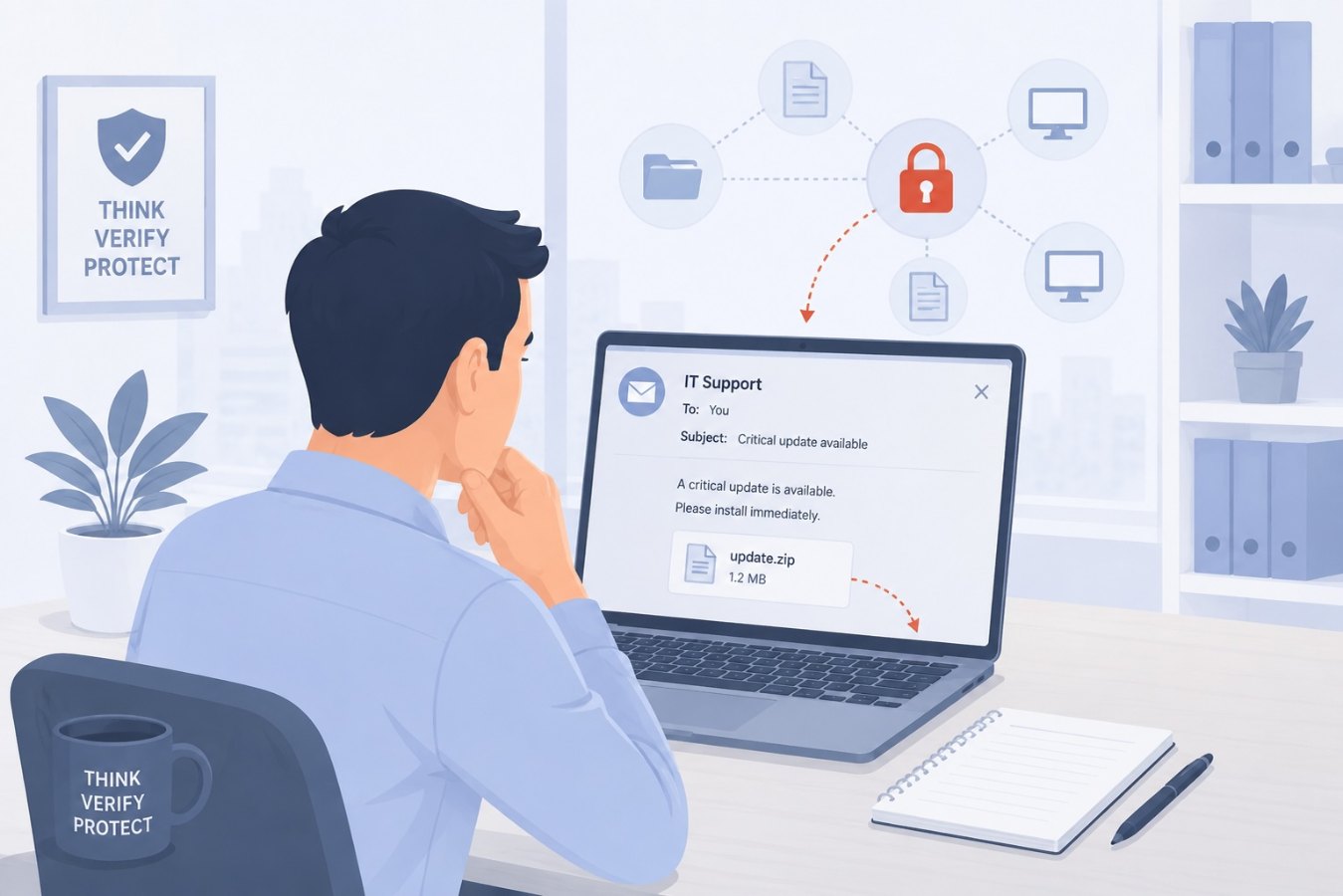
Software updates are supposed to protect your business. Patches close vulnerabilities, fix bugs and keep systems running smoothly. Attackers know this, and they’ve started to weaponise our trust in updates. In many recent incidents, employees received an email that looked like a routine notification from IT: “A critical update is available. Please install immediately.” Attached to the message was a compressed file or executable. Believing they were doing the right thing, recipients installed the “update” and unknowingly unleashed ransomware that encrypted everything on their machine and spread across the network.
This article explores how fake software update scams work, why they succeed, and what your organisation can do to recognise and prevent them. The scenario may sound extreme, but similar attacks have crippled companies of all sizes. Learning how to spot a malicious update request could save you from days of downtime and costly recovery.
A Deceptive Update Scenario
Picture a busy finance department on a Monday morning. One of the team members, Alex, receives an email from what appears to be the company’s IT department. The subject line reads “URGENT: Security Patch for Accounting Software.” The body warns that a critical vulnerability has been discovered and instructs Alex to download the attached file to update their software immediately. The sender’s name is familiar, and the signature includes the IT helpdesk logo.
Under pressure to keep systems compliant, Alex downloads the attachment and runs it. At first nothing seems out of the ordinary, but within minutes their screen freezes. A ransom note appears, informing Alex that their files have been encrypted and demanding payment in cryptocurrency. Worse, the ransomware spreads to shared drives, locking up financial records and disrupting operations for the entire department.
How Attackers Exploit Trust
Criminals leverage trust in routine processes. They monitor company communications and learn how internal update notifications look. Then they craft emails that mimic the format, tone and branding of legitimate messages. They might register a domain that differs by one character or compromise a real employee’s account to send the message. The attachment is a trojan; once executed, it installs ransomware, encrypts data and sometimes exfiltrates sensitive information.
Attackers often create a sense of urgency. They claim that failing to apply the update could expose the company to security risks, and they may threaten downtime or penalties for non‑compliance. This pressure discourages employees from verifying the request or contacting IT before taking action.
Warning Signs of a Fake Update
Even well‑crafted phishing emails leave clues. Look out for:
Unscheduled or Unverified Updates
Most companies have a regular patch schedule or centralised update management. If you receive a request to install a patch outside the normal process, treat it with suspicion. Confirm with your IT team through a known channel before taking any action.
Attachments or Executables in Emails
Legitimate updates rarely come as email attachments. They are typically deployed through approved software distribution tools or downloaded from official vendor websites. Avoid opening attached `.exe`, `.zip` or `.js` files without verification.
Mismatched Sender Details
Double‑check the sender’s email address and domain. Does it exactly match the company’s official domain? Watch for subtle misspellings or extra characters. Even if the name and signature look right, the address itself may be off.
Generic Language and Urgent Tone
Phishing emails often use generic greetings like “Dear user” and emphasise urgency: “Install immediately or risk data loss.” Real update notifications usually contain more specific details and allow time for questions.
Unexpected Links
Hover over links to see where they lead. A legitimate update link should point to your company’s official site or the vendor’s domain. If the URL looks unusual, don’t click.
Staying Safe: Best Practices
Centralise Software Updates
Use a managed patch management system so updates are deployed automatically or through a controlled process. Employees should not be responsible for manually installing critical patches from email instructions.
Educate and Empower Staff
Regular security awareness training helps employees recognise phishing attempts. Encourage them to question unexpected update requests and provide clear guidance on how to verify with IT. Make it easy to report suspicious emails without fear of repercussions.
Maintain Offsite Backups
Ransomware is less effective if you can restore data from a clean backup. Keep backups offline or in a separate network segment so they cannot be encrypted by malware.
Implement Application Whitelisting
Restrict the execution of unauthorised software. Application whitelisting allows only approved programs to run, which can prevent malware in disguised updates from launching.
Enable Multi‑Factor Authentication (MFA)
MFA reduces the risk of account compromise. Attackers often combine fake updates with credential theft. Strong authentication makes it harder for them to access email accounts or network resources to spread ransomware.
If You Suspect You’ve Been Hit
If you or a colleague accidentally execute a malicious update:
- Disconnect immediately. Unplug from the network to prevent the malware from spreading.
- Report to IT/security. Time is critical. Inform your security team so they can begin containment and investigation.
- Do not pay the ransom. Paying does not guarantee that you’ll regain your files, and it funds criminal activity. Work with IT and, if necessary, law enforcement to explore recovery options.
Conclusion
Fake software updates represent a serious and growing threat. Attackers exploit our routine reliance on patches and our desire to stay secure. By adopting a cautious mindset, verifying requests through trusted channels, and relying on centralised update processes, you can significantly reduce the risk of falling victim to ransomware disguised as a legitimate update. Security is everyone’s responsibility, and a few extra minutes of verification can prevent days of downtime and data loss.