
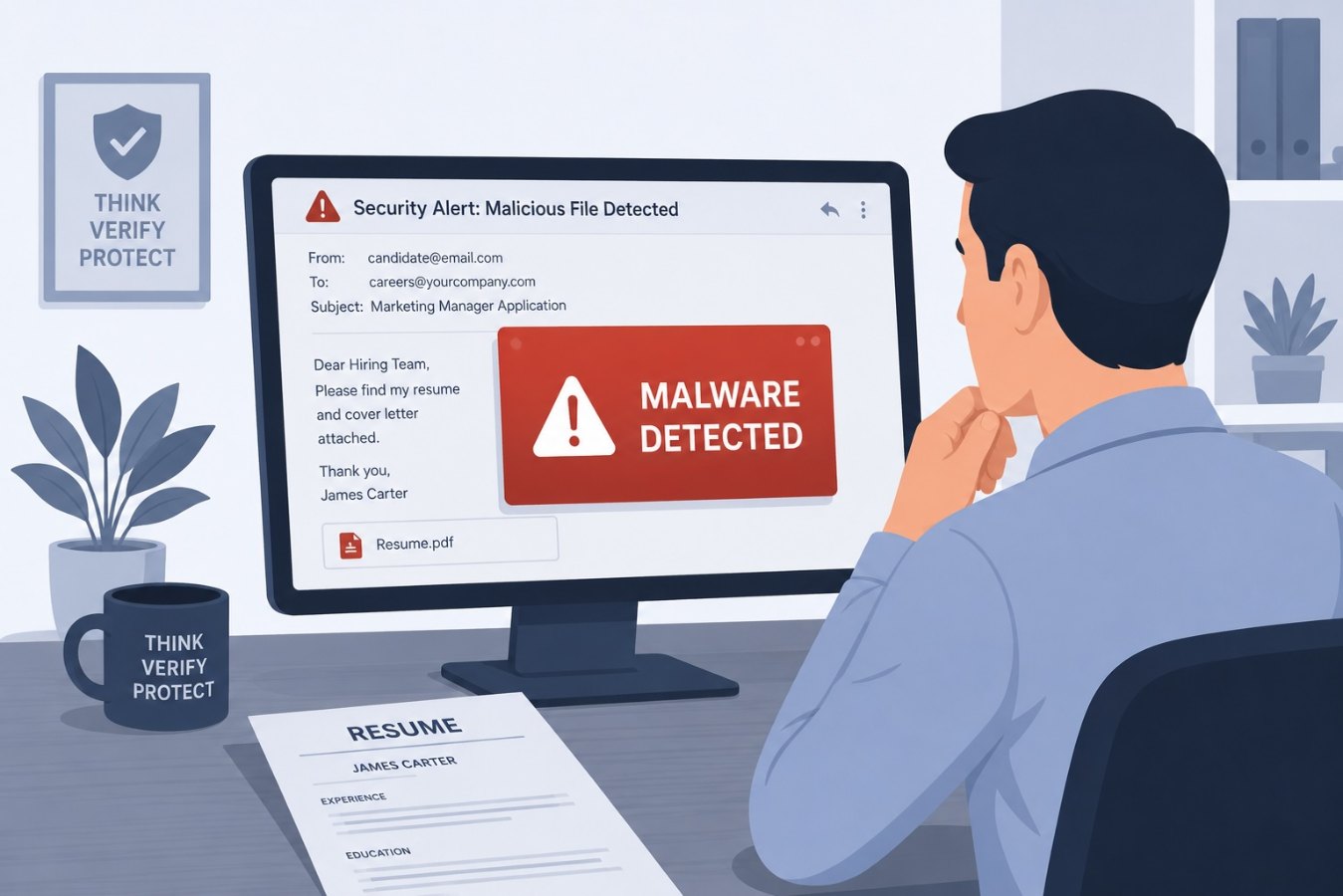
A new vector for old malware
Recruiting staff and hiring managers routinely receive email attachments from candidates. Attackers have noticed. They send carefully crafted resumes that look like Word documents or PDFs but contain embedded macros or hidden code. Once opened, the file executes ransomware or installs remote‑access trojans that can give criminals a foothold on your network.
Why these attacks work
Job postings are often public, and the recipients’ email addresses may be listed on company websites or job boards. Attackers simply identify the hiring team and send malicious applications. Because opening resumes is a normal part of the job, recipients may not think twice about clicking. Some malware even exploits legitimate document features, such as dynamic content or external templates, making detection harder.
Safe handling practices
Use a dedicated recruitment portal rather than accepting resumes via email. Many applicant‑tracking systems can scan attachments for malware before they reach hiring managers. If email submissions are unavoidable, instruct staff to save attachments to a secure location and scan them with up‑to‑date antivirus software before opening.
Disable macros and active content in Office documents by default. Encourage candidates to submit PDFs instead of editable files. When opening any resume, watch for prompts to enable editing or content – these are often used to trigger malicious code. If a file seems unusual or triggers warnings, contact your IT department instead of proceeding.
Separate hiring from critical systems
Consider using a standalone workstation for reviewing external documents. Isolating the hiring process reduces the risk that a compromised file will spread to sensitive internal networks. Keep the operating system and applications patched and ensure endpoint protection is active.
Create awareness among recruiters
Recruiters and HR staff may not receive the same cybersecurity training as IT teams, yet they are frequent targets. Provide them with clear guidance on safe file handling and encourage them to report suspicious applications. Regular training reminders during peak hiring seasons can keep safe practices top of mind. By treating resumes like any other unsolicited attachment, you can stop malware before it disrupts your organisation.