
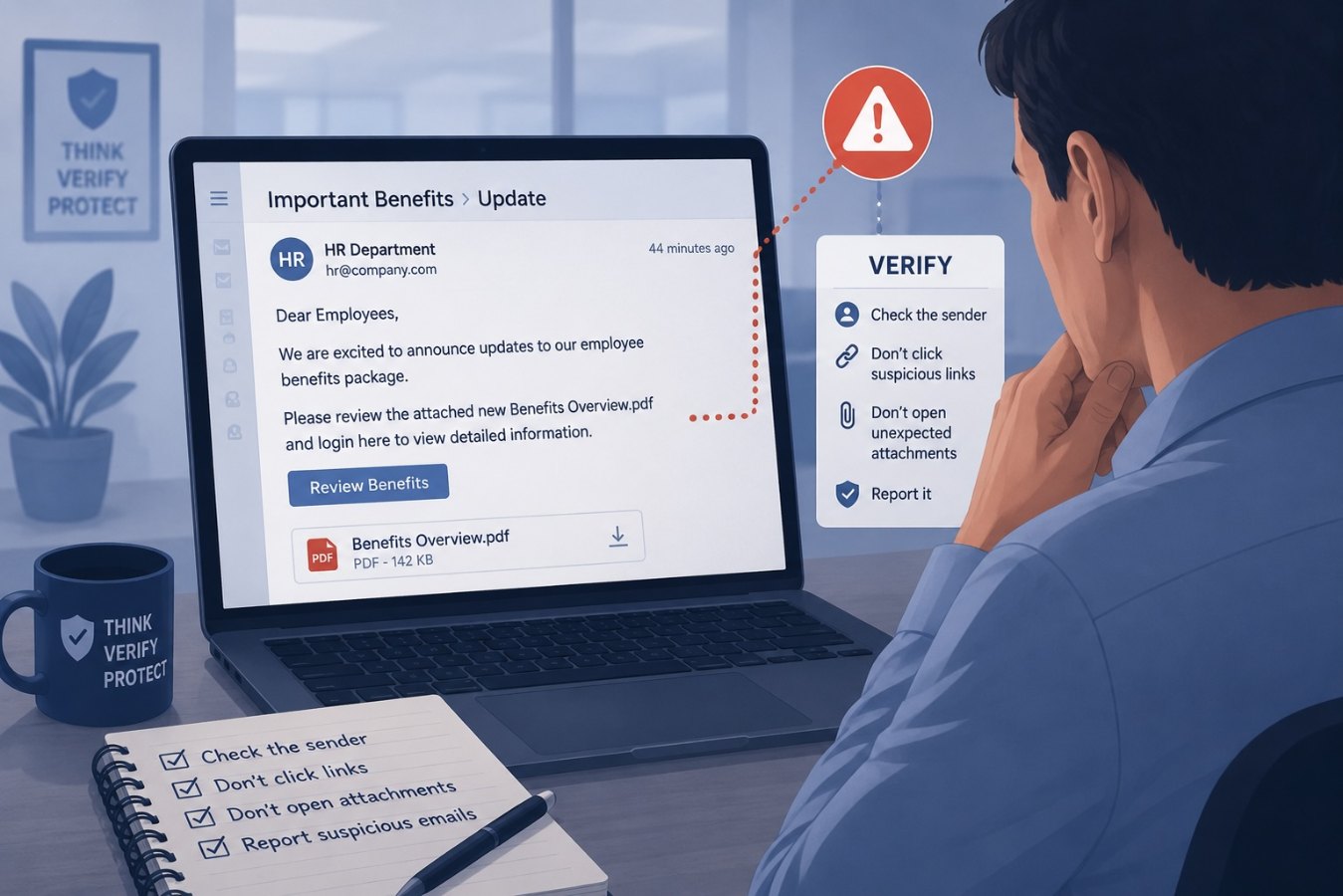
Unsolicited updates aren’t always what they seem
Phishing attacks often hide behind the familiar. Attackers know employees will pay attention to messages that appear to come from human resources because those messages often contain updates about pay, benefits or company policies. A well‑timed fake benefits announcement can trick even seasoned staff into clicking a malicious link or opening an infected attachment. In a busy workplace, trusting that “official‑looking” messages are legitimate is a natural habit – and exactly what scammers exploit.
How HR phishing scams work
These campaigns generally mimic the look and tone of genuine internal communications. They might use a spoofed sender address such as `[email protected]` and reference real programmes like health‑care enrolment or retirement plans. The message typically includes an attachment labelled “2026 Benefits Update” or a link to a login page. If a recipient clicks, they are taken to a convincingly branded site that harvests credentials or downloads malware in the background.
Attackers sometimes scrape language and logos from actual company emails to increase believability. They may time the scam around open enrolment periods or end‑of‑year reviews when employees expect to hear from HR. The goal is to create just enough urgency – for example, “Complete this form by tomorrow to avoid losing benefits” – to override normal caution.
Spotting the red flags
There are a few tell‑tale signs that an HR email is a phish. Check the sender’s address carefully; slight misspellings or unfamiliar domains are common giveaways. Hover over any links before clicking to see where they really lead. Ask yourself whether the message is expected – unsolicited attachments from HR are unusual. Spelling and grammar errors, generic greetings and pushy deadlines are also warning signs.
If you’re unsure, contact HR through official channels. Go directly to the known employee portal instead of using a link from an email. Never provide your password, Social Security number or other sensitive information via a form unless you’re certain the request is legitimate.
Verifying communications with HR
The safest approach is to treat any unexpected HR communication as suspicious until proven otherwise. If you receive a surprising benefits announcement or a request to update personal data, pick up the phone and call your HR representative using the number in the company directory. They can confirm whether they sent the email. You can also log in to the official HR portal by typing the URL into your browser; if there’s really an update, it will be posted there.
Building a culture of verification
Training staff to pause and verify sensitive requests is one of the simplest ways to reduce phishing risk. Encourage teams to watch for phishing tactics like spoofed addresses, generic greetings and urgent deadlines. Remind employees that HR will never penalise them for double‑checking a communication. A quick call to confirm can prevent credential theft, malware infections and costly data breaches. In cybersecurity, a few extra seconds of scrutiny can save hours of cleanup.