
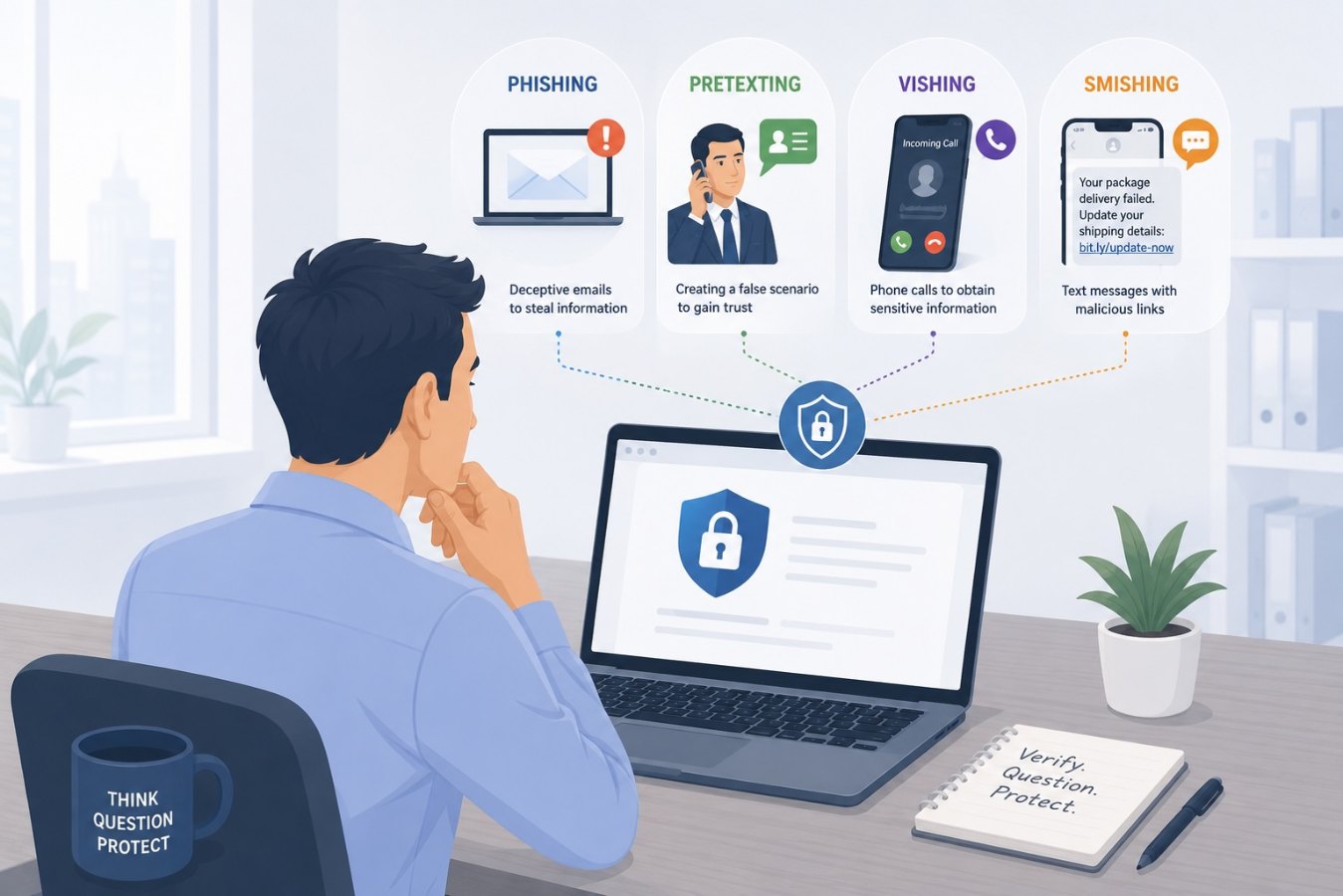
Phishing: the classic con
Phishing involves sending deceptive emails that appear to come from legitimate organizations in order to steal credentials or payment details. Attackers spoof email addresses and domains, copy official logos and use urgent language like “verify your account now.” Phishing often directs victims to a fake website where login details are harvested.
Key traits
- Delivered via email or instant messaging.
- Includes links to spoofed login pages or malicious attachments.
- Uses scare tactics or time pressure to provoke a quick response.
Pretexting: trust before deceit
Pretexting is when an attacker develops a credible scenario to obtain information or access. Rather than mass emails, pretexters target specific individuals and build rapport. They might pose as HR or IT and request sensitive data, or as a vendor asking to change payment details.
Key traits
- Tailored to a specific victim or role.
- Uses flattery, professionalism and procedural language to build trust.
- May involve phone calls, in‑person contact or email.
Vishing: voice‑based fraud
Vishing (voice phishing) uses phone calls to trick victims into sharing credentials or granting remote access. Common scripts include impersonating bank officials, government agencies or tech support. The caller often creates a sense of urgency, claiming that an account is compromised and immediate action is required.
Key traits
- Delivered via telephone call or VoIP.
- Caller ID may be spoofed to show a trusted number.
- Often instructs victims to provide one‑time passcodes or download remote‑access software.
Smishing: text message traps
Smishing (SMS phishing) applies phishing tactics to text messaging. Messages may contain links to malicious sites, or they may urge recipients to call a number. Examples include fake package delivery alerts, bogus bank notifications or fraudulent MFA prompts.
Key traits
- Delivered via SMS or messaging apps.
- Brief messages with shortened links or phone numbers.
- Often looks like a routine alert or notification.
Why distinctions matter
Understanding the differences between these tactics helps you respond correctly. For example, an unexpected password reset link in email calls for verifying the sender before clicking. A phone call from “IT support” should prompt you to hang up and call back via an official number. A text claiming to be your bank should be ignored and deleted.
General protection tips
- Verify through official channels: Don’t use contact details provided in the suspicious message. Look up the organization’s phone number or website yourself.
- Be cautious with links: Hover over links in emails or texts to see the real URL. On mobile, press and hold the link to preview it.
- Never share one‑time codes: Legitimate entities will never ask for authentication codes by phone or text.
- Use multi‑factor authentication: Prefer app‑based or hardware authentication instead of SMS when possible.
- Educate your team: Regular training and simulated phishing exercises can help staff recognize and report suspicious communications.
Closing thoughts
Social‑engineering schemes keep evolving, but their core objective remains the same: separating you from your data and money. By learning how phishing, pretexting, vishing and smishing differ, you equip yourself with the awareness needed to shut down these attacks before they succeed.