
What is scareware?
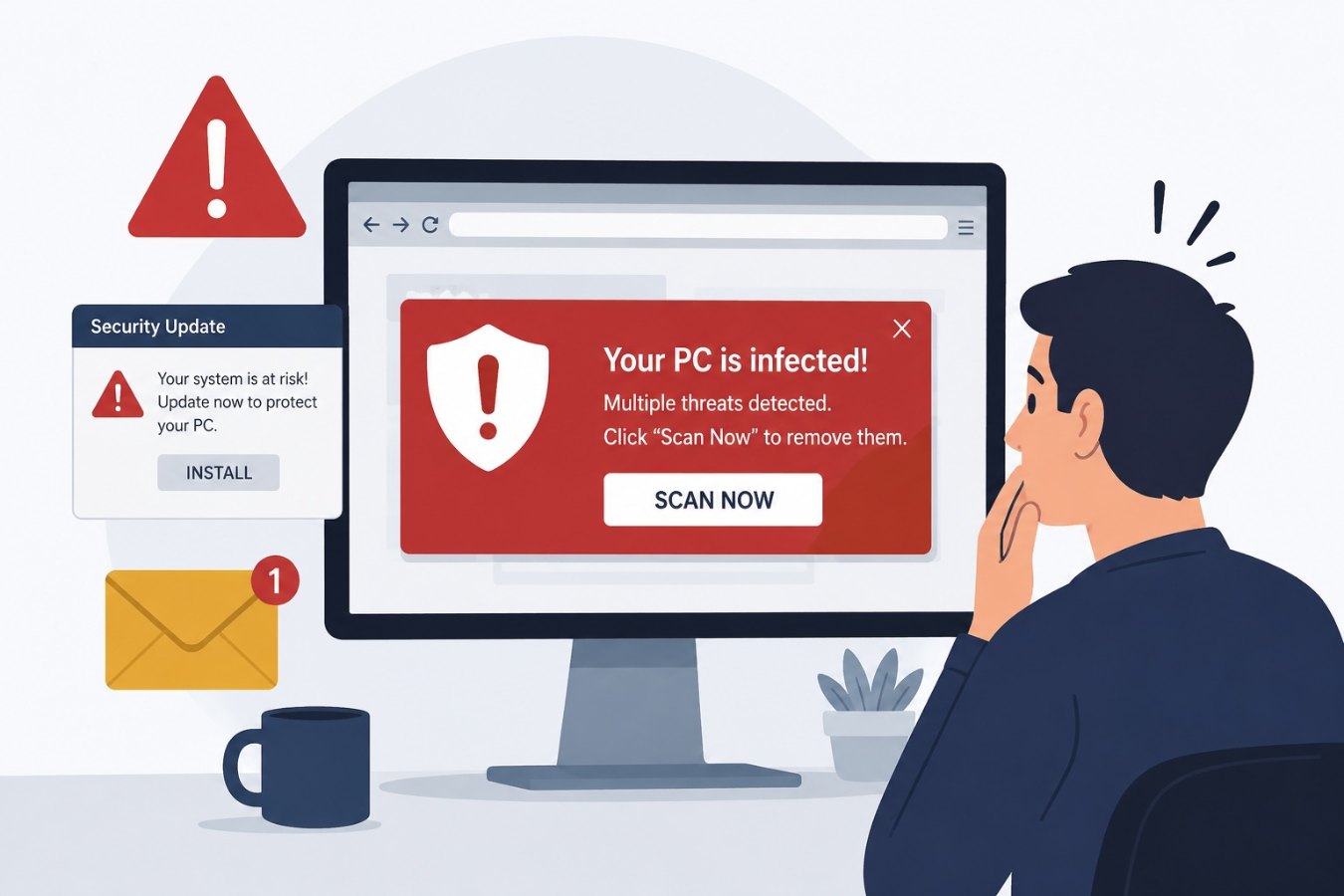
Scareware, also known as deception software or fraudware, is a social‑engineering attack that convinces users their device is infected with spyware or viruses. Victims see alarming pop‑up banners or fake antivirus messages claiming “Your computer may be infected with harmful spyware programs.” The messages pressure them to download or purchase a solution that is itself malicious.
How scareware attacks unfold
- Deceptive pop‑up: While browsing, a user encounters a banner or pop‑up telling them their system is compromised.
- Urgent call to action: The message urges immediate action – usually to click a link, call a number, or download a scanner. It may use flashing graphics or countdown timers to increase stress.
- Malicious download: Following the link installs malware or redirects to a site that demands payment for fake services.
- Continued harassment: The scareware may lock the browser, spam the screen with warnings or even install ransomware, further pressuring the victim.
Why scareware works
- Fear tactics: The attack leverages fear and urgency to cloud judgement. People worry that ignoring the warning will damage their computer.
- Legitimate appearance: Many scareware messages mimic Windows or macOS alerts, complete with logos and system dialogs. Others impersonate antivirus brands.
- Lack of awareness: Users who haven’t encountered these scams before may not know that browsers cannot accurately diagnose malware.
Signs of a scareware scam
- Unexpected pop‑ups or banners claiming your device is infected.
- Poor grammar, misspellings or pixelated logos in the warning.
- Requests to download software or call a phone number to fix the problem.
- Persistent warnings that lock your browser or demand payment.
How to protect yourself
- Close the browser: If you see an alarming pop‑up, don’t click anything inside it. Instead, close the tab or browser. On Windows, use Alt+F4; on macOS, use Command+Q.
- Run a trusted scan: Use reputable antivirus software to scan your system. Do not download programs from pop‑ups.
- Keep software updated: Regularly install updates for your operating system and security tools to reduce vulnerabilities.
- Educate yourself and others: Teach family members and colleagues that browsers cannot detect infections. Warn them about scareware tactics.
- Use pop‑up blockers: Configure your browser to block unwanted pop‑ups and ads.
Wrap‑up
Scareware preys on anxiety by masquerading as legitimate security software. Recognizing the hallmarks of scareware and maintaining healthy scepticism will keep your devices safe. When in doubt, trust your own security tools—not a pop‑up trying to scare you into action.