
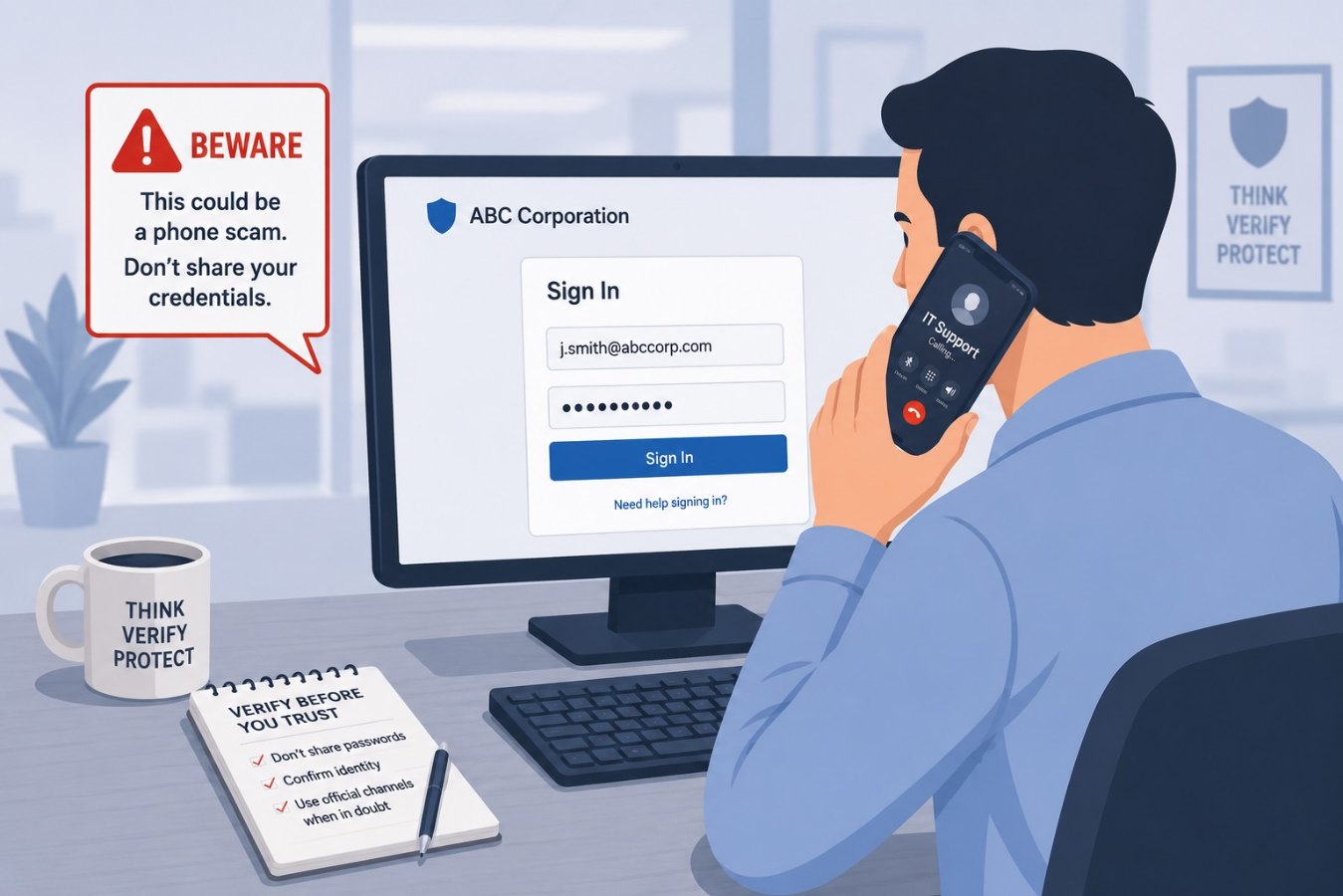
Phone scams are on the rise
Email isn’t the only channel criminals exploit. Increasingly, fraudsters are calling employees and posing as help‑desk technicians. They might say they’re resetting user accounts, troubleshooting a network issue or assisting with a software upgrade. Because the conversation feels personal and urgent, many people lower their guard.
Common tactics used by imposters
Impersonators often spoof the caller ID to display an internal number or the name of a known vendor. They may reference publicly available details from LinkedIn or company websites to appear credible. Once they have you on the line, they’ll ask you to share your username, reset your password while they “assist” or visit a remote‑access link that gives them control of your machine.
Another variation involves a fake voicemail instructing you to call the help desk immediately due to an urgent security issue. When you dial the provided number, you’re connected to the attacker, not your IT team.
How to verify a call
If an unexpected IT support call arrives, don’t rush into action. Politely inform the caller that you’ll call them back using the internal help‑desk number listed in your company directory. This simple step thwarts imposters who rely on keeping you on the line. Never share passwords or one‑time codes over the phone. Legitimate technicians can reset accounts without you disclosing sensitive information.
Your organisation should have clear procedures for requesting remote assistance. Familiarise yourself with these protocols and stick to them. If a caller pressures you to bypass normal procedures or threatens immediate consequences, that’s a clear sign of a scam.
Cultivating a cautious phone culture
Make sure employees know that verifying calls is encouraged, not rude. Regularly remind teams that IT will never ask for passwords over the phone or ask to install unknown software. Provide training on call‑back procedures and publish the correct support numbers in easily accessible places. Encourage colleagues to report suspicious calls so that security teams can warn others.
Stay calm and slow down
Social engineering relies on urgency. Taking a moment to think before following instructions can prevent breaches. When you receive a surprising call from “IT,” slow the conversation down, ask questions and confirm via official channels. A healthy dose of scepticism keeps your credentials safe and frustrates attackers who hope to exploit your helpfulness.