
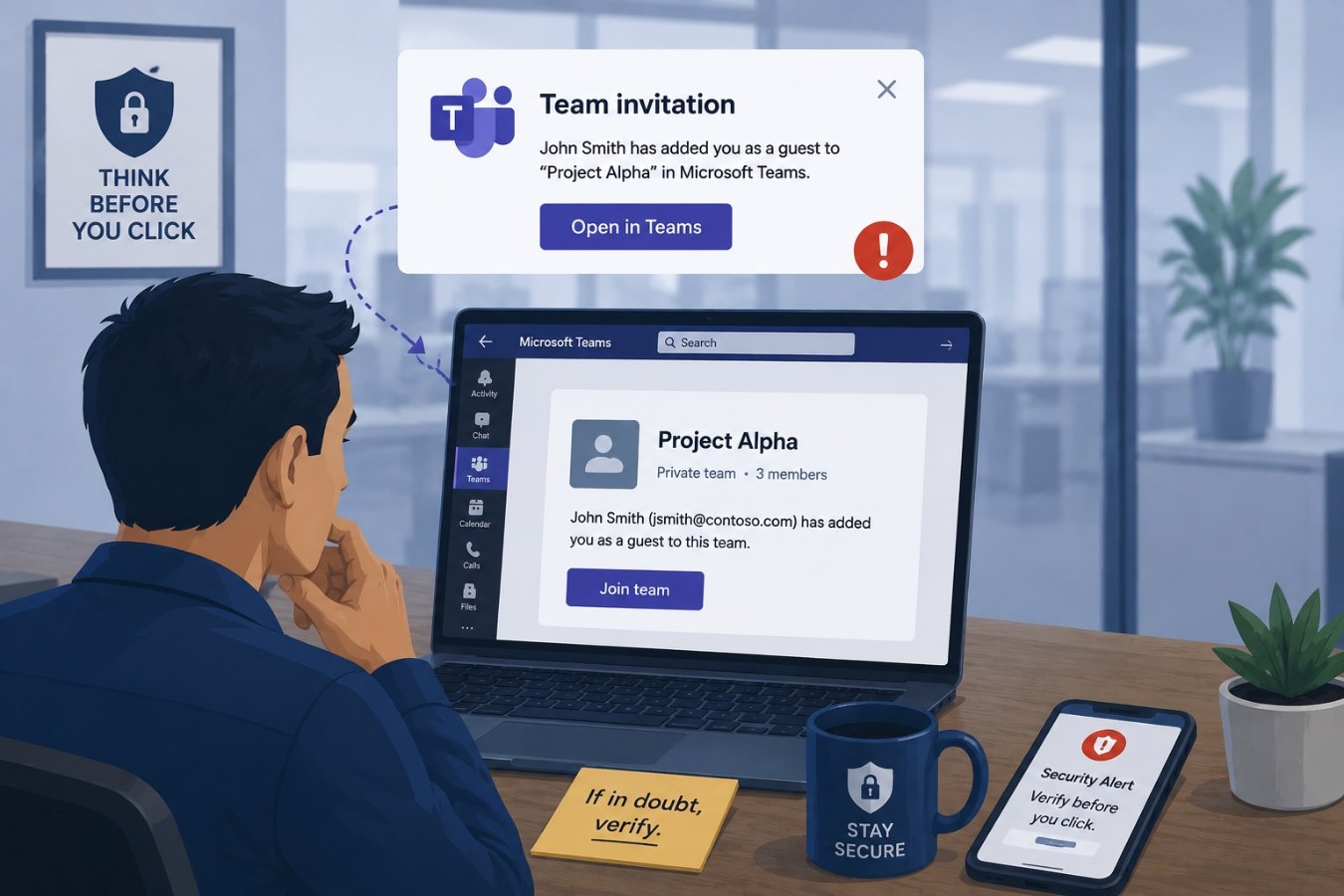
The lure of trusted platforms
Employees are accustomed to receiving email notifications from collaboration tools. A pop‑up that says “You have been added to a new team” or “A colleague invited you to a channel” is part of daily workflow. This familiarity creates an opportunity for attackers. Recent security research has documented a large‑scale phishing campaign that abused Microsoft Teams’ guest invitation feature. Criminals created teams with names such as “Subscription Auto‑Pay Notice (Invoice ID: 2025_614632PPOT_SAG)” and invited victims through the official Microsoft email service. Because the invitation came from a legitimate Microsoft domain, most technical filters allowed it through.
The team names were carefully crafted to resemble urgent billing or subscription notices and included numbers and deliberate misspellings to evade automated detection. The invitation encouraged recipients to contact a phone number to resolve a supposed payment issue. There was no malicious link in the email; the scam relied on social engineering to get victims to call the attacker directly.
Why collaboration invites are effective
Collaboration tools are seen as internal and trustworthy. When an invitation arrives, employees assume a colleague or system administrator created it. Attackers exploit this trust by:
- Using legitimate domains: The invitations originate from the vendor’s own email servers, so they pass technical checks and appear authentic.
- Crafting convincing team names: By using phrases like “Subscription Auto‑Pay Notice” or “Invoice overdue,” attackers tap into routine business processes and create a sense of urgency.
- Avoiding clickable links: Instead of including malicious URLs that can be scanned, they provide a phone number. Phone‑based scams are harder for automated systems to detect.
- Targeting widely adopted tools: Sectors like manufacturing, technology, education, and finance rely heavily on Teams and Slack, making these platforms fertile ground for broad campaigns.
Recognizing a malicious invite
Employees should be alert to unusual or suspicious collaboration invites. Consider these warning signs:
- Unexpected financial language: Invites that mention billing, subscriptions, or payment disputes are unlikely to originate from a collaboration tool. Verify any such request directly with your finance department.
- Obfuscated characters: Team names that include mixed letters, numbers, or special characters are a red flag. Attackers use these to evade filters.
- Requests to call a phone number: Legitimate collaboration invites rarely include phone numbers. Be cautious of any invite instructing you to call support to resolve an issue.
- Lack of context: If the invite is from an external domain or from someone you don’t recognize, double‑check with your IT team before accepting.
Best practices to protect your organization
- Restrict guest invitations: Configure collaboration platforms so only authorized individuals can create teams and invite external users. Implement approval workflows for guest access.
- Educate users: Include collaboration‑platform phishing in security awareness training. Show examples of malicious invites and explain the risks of calling unknown numbers or sharing information.
- Use advanced email security: Deploy solutions that analyze the content of collaboration invites and flag unusual language or patterns. Although the sender’s domain may be legitimate, machine‑learning models can identify suspicious themes.
- Verify through separate channels: If an invite mentions billing or payment, instruct employees to verify through official finance or IT channels. Never rely solely on information provided in the invitation.
- Monitor and respond: Keep an eye on unusual activity within collaboration tools. If a new team name looks suspicious or many users report similar invites, investigate promptly and remove the malicious team.
Maintaining trust in collaboration
Trusted platforms like Teams and Slack are essential for productivity, but trust can be manipulated. Attackers understand that employees often accept invitations without hesitation. By making employees aware of the tactics criminals use and implementing sensible restrictions on who can invite external participants, organizations can continue to collaborate securely.
Encourage your teams to treat unexpected collaboration invites with the same skepticism they apply to unsolicited emails. A quick verification step can prevent an urgent‑sounding notification from turning into a costly scam.